
Subscribe to our Blog
We're committed to your privacy. SayOne uses the information you provide to us to contact you about our relevant content, products, and services. check out our privacy policy.


Generating table of contents...
Appwrite vs. Supabase: Which Backend-as-a-Service Platform Is Right for Your 2026 Project?
Every new product needs a backend. Fewer teams want to build one from scratch.
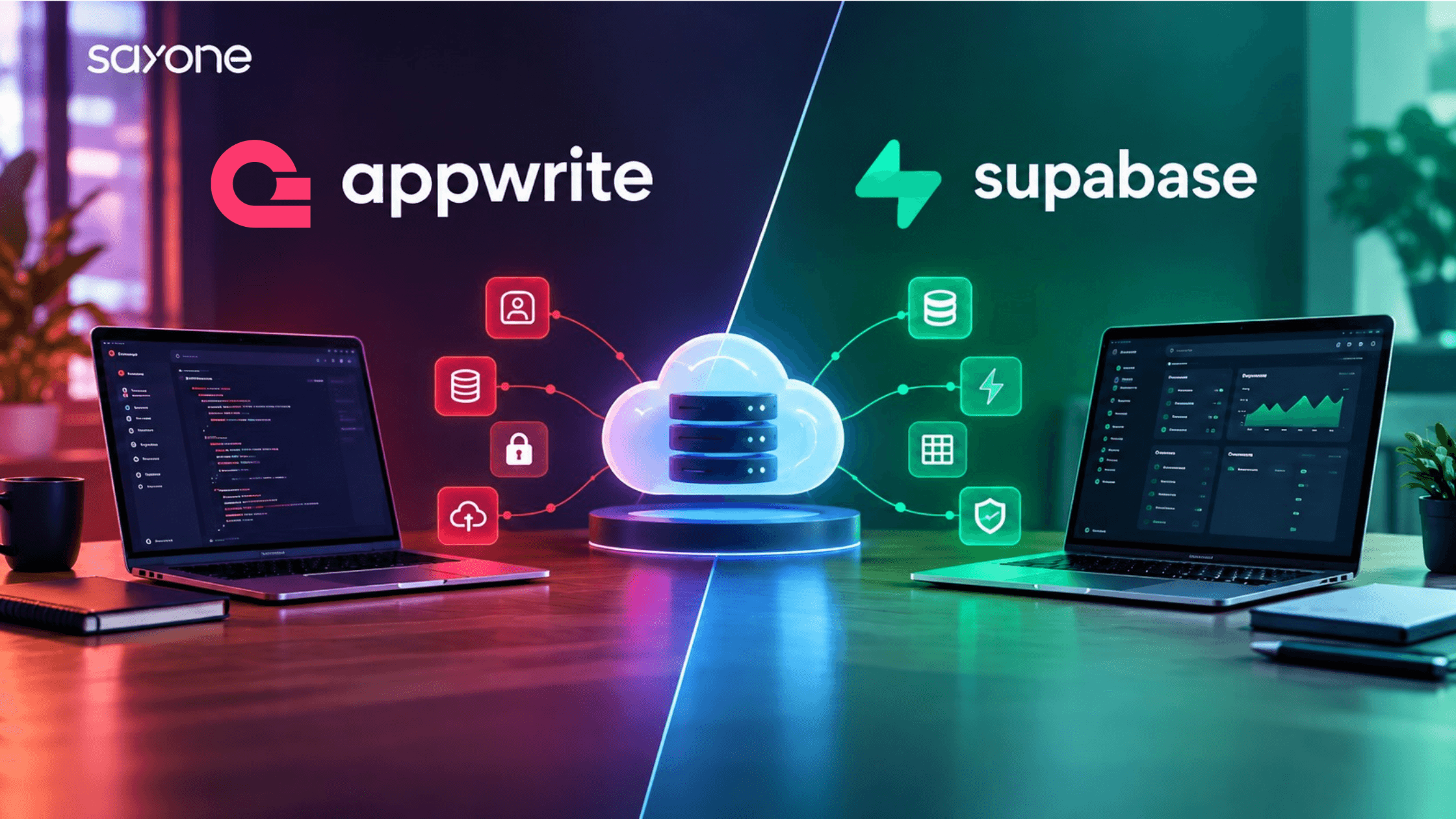
Appwrite and Supabase have become the two most talked-about open-source alternatives to Firebase, and choosing between them now shapes how fast you can ship, how much you pay as you scale, and how much control you keep over your own data. Both promise to hand you authentication, a database, file storage, and serverless functions out of the box, so the real decision is not whether to use a backend-as-a-service platform, but which one matches how your team actually builds.
This guide compares both platforms across architecture, features, self-hosting, and cost, so you can make that choice with a clear head instead of a Reddit thread.
What Are Appwrite and Supabase, and Why Are Businesses Comparing Them Now?
Both are open-source backend-as-a-service (BaaS) platforms built to replace the custom backend work most applications still need. Appwrite ships authentication, a database, storage, and functions as a set of modular APIs on top of its own storage engine. Supabase builds its entire platform around PostgreSQL, adding auth, storage, and edge functions on top of a standard relational database your team may already know how to query.
The comparison has become more urgent lately, not less. Supabase closed a $500 million Series F this year at a $10.5 billion valuation, doubling in eight months, with its developer base growing to nearly 10 million users and new database launches up more than 600% in the past year ([TechCrunch](https://techcrunch.com/2026/06/05/supabase-doubles-valuation-to-10b-in-8-months/)). Appwrite has grown alongside it as the open-source, self-hostable alternative for teams who want the same convenience without handing every database to a single vendor. If you are evaluating either platform for a new build, that growth is exactly why getting this choice right now matters more than it did two years ago.
How Do Appwrite and Supabase Differ in Core Architecture and Data Model?
The biggest architectural difference is the database itself. Supabase is built entirely on PostgreSQL, so you get a full relational database with joins, foreign keys, and standard SQL from day one, along with Postgres's own maturity and ecosystem behind it. This matters more than it might sound. In the 2025 Stack Overflow Developer Survey, PostgreSQL was used by 58.2% of professional developers and ranked as the most admired and most desired database for the third year running ([Stack Overflow Developer Survey](https://survey.stackoverflow.co/2025/technology)), so building on it means your team is working with a tool most engineers already know.
Appwrite takes a different approach. It uses its own storage engine with a document-style API, and its endpoints are designed to feel closer to Firebase, which makes migration from Firebase noticeably easier for teams that already built around that pattern. Appwrite's own comparison of the two platforms frames this trade-off directly. Supabase suits teams that want native SQL and relational structure, while Appwrite suits teams that want a more Firebase-like developer experience with self-hosting built in from the start ([Appwrite's own comparison](https://appwrite.io/blog/post/appwrite-compared-to-supabase)).
Which Platform Offers Better Authentication, Storage, and Real-Time Features?
Both platforms cover the same core feature set: email and social authentication, file storage, real-time subscriptions, and serverless functions. The differences show up in the details rather than the checklist.
Supabase's authentication and storage sit directly on Postgres, so row-level security policies can control access to both your data and your files using the same permission model. Its real-time layer streams changes straight from the Postgres write-ahead log, which tends to feel more predictable once your team understands how Postgres itself works.
Appwrite's authentication supports a wider range of built-in OAuth providers without extra configuration, and its function runtimes support more languages out of the box, which matters if your team is polyglot rather than committed to one stack. Its storage service also handles file previews and transformations natively, which some teams would otherwise bolt on through a separate image service. Storage and real-time features are solid on both sides. For most teams, the deciding factor here is less about which platform is objectively better and more about which one matches how your team already thinks about permissions and data.
How Do Appwrite and Supabase Compare on Self-Hosting, Deployment, and Vendor Lock-In?
This is where the two platforms diverge most in philosophy. Appwrite was designed self-hosted first, with Docker-based deployment that has been stable since its early releases, and its managed cloud offering came later as a convenience layer on top of the same open-source core. If avoiding vendor lock-in is a hard requirement, for example under a regulated industry or an enterprise data residency policy, Appwrite's self-hosting story is generally the more mature of the two.
Supabase can also be self-hosted, and its open-source community has grown quickly alongside its commercial success. Its documentation and tooling, however, are more clearly optimized for its managed cloud offering, and some newer features roll out to the cloud product before the self-hosted stack catches up. That gap has narrowed over time, but it still exists today. If your team is not planning to self-host and just wants the fastest path to a production backend, this trade-off matters far less.
What Does Migrating Between Appwrite, Supabase, and Firebase Actually Involve?
A large share of the teams comparing these two platforms are not starting from zero. They are moving off Firebase, and that starting point changes which migration looks easier.
Moving from Firebase to Appwrite tends to be the more direct path, since both platforms organize authentication, storage, and functions around similar concepts, and Appwrite's SDKs were built with that migration in mind from the start. Expect to rewrite your security rules and re-point your client SDK calls, but the overall data shape usually survives the move with fewer structural changes.
Moving from Firebase to Supabase is a bigger architectural shift, since you are going from Firestore's document model to a relational schema in Postgres. That work pays off in query flexibility and data integrity once it is done, but it is genuinely a redesign rather than a lift-and-shift, and teams should budget for it accordingly. Neither path is wrong. The point is to scope the migration honestly before you commit to one platform, rather than discovering the real cost of the switch halfway through a sprint.
What Does Each Platform Cost at Scale?
| Dimension | Appwrite | Supabase |
|---|---|---|
| Core database | Own storage engine + MariaDB, document-style API | PostgreSQL, full relational SQL |
| Self-hosting maturity | Self-hosted first, Docker-based, mature | Available, but cloud-first tooling |
| Firebase migration | Closer API parity, easier migration | Different mental model, more rework |
| Best fit | Teams wanting Firebase-like DX with self-hosting control | Teams wanting native SQL and fastest ecosystem growth |
Sticker price rarely tells the whole story with either platform, since both bill primarily on usage, including database size, bandwidth, monthly active users, and function invocations, rather than a flat seat price. The table below compares the shape of each platform's pricing rather than exact numbers, which change often enough that we would rather point you to the current pricing pages than quote figures that go stale within a quarter.
Both companies are backed by serious capital now, with Supabase alone raising at a $10.5 billion valuation in June 2026 ([TechCrunch](https://techcrunch.com/2026/06/05/supabase-doubles-valuation-to-10b-in-8-months/)), and the broader backend-as-a-service market keeps growing at a double-digit clip. One analyst estimate puts the mobile BaaS segment alone at roughly 10% annual growth through 2031, reaching close to $18.3 billion ([Mordor Intelligence](https://www.mordorintelligence.com/industry-reports/mobile-backend-as-a-service-market)). Neither platform is going away soon, which makes this a genuine architecture decision rather than a bet on which startup survives.
Which One Fits Your Project Better? A Decision Framework
A few honest questions cut through most of the feature-by-feature debate faster than a checklist ever will.
If your team already thinks in SQL and wants a real relational database under the hood, Supabase is the more natural fit. If you are migrating off Firebase and want an API surface that feels familiar while gaining self-hosting and open-source flexibility, Appwrite tends to be the smoother move. If self-hosting and full data control are non-negotiable from day one, weight Appwrite's more mature self-hosted story more heavily in your decision. If you want the platform with the most visible momentum, the deepest funding, and the largest surrounding ecosystem of AI coding tools built to work with it out of the box, Supabase currently has the edge on all three fronts ([TechCrunch](https://techcrunch.com/2026/06/05/supabase-doubles-valuation-to-10b-in-8-months/)).
Neither answer is wrong. What matters is picking deliberately instead of defaulting to whichever platform came up first in a comparison thread. Teams that skip this step tend to be the same ones asking how to migrate off their first choice a year later, which is a far more expensive project than the extra hour it takes to work through these questions up front.
How SayOne Helps You Choose and Implement the Right Backend
Most teams do not actually need to choose in the abstract, since the deciding factor is usually specific to the product you are building, your existing stack, and your compliance requirements. SayOne's [Appwrite services](https://www.sayonetech.com/services/appwrite-services) and [Supabase services](https://www.sayonetech.com/en-us/services/supabase-services/) teams help you evaluate both platforms against your actual architecture, then handle setup, migration, and ongoing support once you have picked one, whether that means a from-scratch build or a Firebase migration.
This is the same evaluate-then-build approach we bring to [custom API development](https://www.sayonetech.com/blog/custom-api-development/) and [headless CMS implementations](https://www.sayonetech.com/blog/power-of-headless-cms/), where the right underlying [web application architecture](https://www.sayonetech.com/blog/web-application-architecture/) choices matter more to long-term cost than any single vendor's feature list.
If you are weighing Appwrite against Supabase for an upcoming project, [talk to SayOne's backend team](https://www.sayonetech.com/services/appwrite-services) before you commit. A short architecture review upfront is a lot cheaper than a platform migration a year in.
The main difference is the database underneath. Supabase is built entirely on PostgreSQL, giving you a full relational database with SQL from day one. Appwrite uses its own storage engine with a document-style API that feels closer to Firebase, which makes it a common choice for teams migrating away from Firebase.
Appwrite is generally the easier migration. Its API design was built to feel familiar to Firebase users, so authentication, storage, and function patterns carry over with less rework. Supabase's relational, SQL-first model is powerful, but it usually means rethinking your data structure rather than porting it directly.
Supabase currently has more visible momentum. It raised a $500 million round in June 2026 at a $10.5 billion valuation, and its developer base has grown to close to 10 million users, with database launches up more than 600% in the past year (TechCrunch). Appwrite has grown more quietly but remains the stronger choice for teams who prioritize self-hosting and open-source control over ecosystem size.
Not to get started, since Supabase's dashboard and client libraries handle most common operations without writing raw SQL. That said, Supabase is built on PostgreSQL, so your team gets more value from it if someone is comfortable with relational database concepts, especially once you need custom queries or row-level security policies.
SayOne's Appwrite and Supabase teams start with your actual architecture, stack, and compliance needs rather than a generic checklist, then handle setup, migration, and ongoing support once you have picked a platform. We built this same evaluate-then-build approach for API development and headless CMS projects, and it applies just as directly to backend-as-a-service decisions.
We're committed to your privacy. SayOne uses the information you provide to us to contact you about our relevant content, products, and services. check out our privacy policy.


We collaborate with visionary leaders on projects that focus on quality